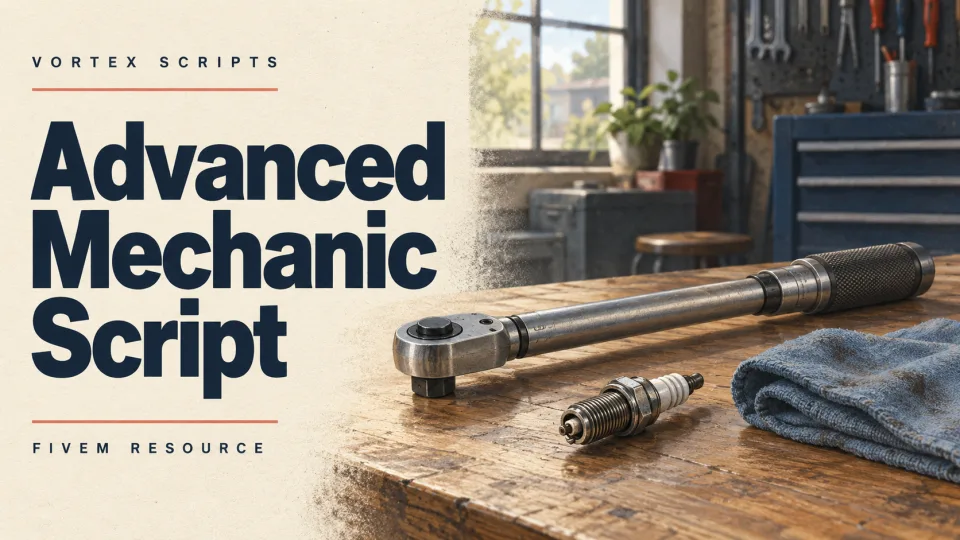
Advanced Mechanic Script
A complete mechanic and tuning experience for FiveM, packed with features yet built to stay light on resources. From deep vehicle tuning to a tablet-driven dyno and invoicing system, it gives your mechanics everything they need to build a real car culture in your city.
The Highlights
- Tuning — a full range of options including DLC parts, self-service or mechanic-applied work, camera previews, and configurable disabled options.
- Respray — advanced color choices with search, primary/secondary sync, RGB selection, and unique chameleon effects.
- Pricing — customizable per tuning category and optionally proportional to a vehicle's value.
- Advanced stance — adjust suspension, camber, and tracking per wheel, fully synced and saved.
- Repairs — self-repair at tuning bays, repair kits, or duct tape for quick fixes, with value-based pricing.
- Servicing — mileage-based wear that requires mechanic visits for part replacements.
- Performance tuning — custom engines, tyres, and brakes beyond stock GTA, with streamed engine-sound support.
- Manual transmissions — swap vehicles to manual to add skill to everyday driving.
- Dyno — tablet-based performance testing with detailed stats and a graph readout.
- Invoices — automatic, editable, saveable, and resendable billing for work performed.
- Lighting control — toggle RGB xenons and underglow with effects via an inventory item.
- Car lifts — a custom, genuinely usable lift prop, job-locked to mechanic businesses.
- Items, webhooks & sync — tie functionality to inventory items, log to Discord via multiple webhooks, and sync effects with OneSync Infinity state bags.
A Closer Look
Tuning: apply every option available, including the latest DLC parts, through a sleek UI. Players can pay and apply themselves or place an order for a mechanic, with automatic camera angles or a free camera for previews. Any option can be disabled via config.
Respray: build unique color combinations using base GTA colors with search, sync, and a pearlescence toggle, jump to millions of shades with RGB, or pick a chameleon finish — even on wheels and interiors where compatible.
Pricing: price each category (performance, cosmetics, wheels, respray, and more) independently, add multipliers, and optionally scale to vehicle value for a fairer economy.
Advanced stance: adjust suspension height plus per-wheel camber and tracking, fully synced, optimized, and preserved through garage storage — enabling builds that previously weren't possible in FiveM.
Servicing: parts wear on a mileage basis, so after a configurable distance players must visit a mechanic for inspection and replacement to keep peak performance. Requires the included vehicle-mileage resource (free).
Performance tuning: pre-configured engine swaps and sounds (V12, V8, V6, I4) plus tyre, drivetrain, and brake options, with the ability to author your own options and define how each affects handling or sound.
Manual transmissions: swap any vehicle to manual for added skill — shift late and you'll damage the engine and need a mechanic sooner (electric vehicles excluded).
Dyno: built into the tablet, it takes around 30 seconds and shows horsepower and torque across the RPM range, finishing with a shareable performance graph.
Invoices: mechanics create automatic invoices for tuning, NOS, or servicing, set their prices, and send to the customer; invoices can be made from scratch, saved, resent, and are synced across all employees of a business.
Mechanic tablet: servicing, dyno, performance tuning, invoicing, order fulfillment, and business management all run from a tablet (item or command), letting mechanics roam the shop freely and connect to a vehicle only when needed.
Performance: a great deal of work went into keeping resmon at 0.0–0.1ms even on large servers, using state bags instead of constant loops, with heavier usage only during effects like stancing, NOS, or lighting control.
Showcase
Available from Vortex Scripts with ongoing updates and reliable support for your mechanic operation.
Advanced Mechanic Script installation for FiveM servers
Advanced Mechanic Script is a FiveM script from Vortex Scripts in the ESX Scripts category. After checkout, download the resource package from your Vortex Scripts order email, upload the included folder to your server, and start it from server.cfg.
resources/ directory.
ensure line using the exact folder name shipped in the download.
Use this as the server.cfg pattern, with the placeholder swapped for the folder name your download unpacks as:
ensure your-resource-folderThe folder name is controlled by the download package itself, not by this product page — keep whatever the archive contains.
Why Advanced Mechanic Script fits a FiveM server
Framework labels for this listing: esx, qbcore, qbox. Check the included readme for any product-specific setup notes.
Advanced Mechanic Script compatibility and purchase details
Write a review
Reviews are moderated before appearing. Purchased the product? Your review gets a VERIFIED badge automatically.
Related scripts










About this FiveM script
Advanced Mechanic Script is a premium FiveM script for esx, qbcore, qbox servers. It’s part of the Vortex Scripts catalog, a curated selection of battle-tested resources for QBCore, ESX and Qbox roleplay servers. Every script we sell ships with lifetime updates, instant email delivery, and email support for technical questions.
It installs as a standard FiveM resource: unzip it into your resources folder, add it to your server.cfg, and restart. The config-first design means you can change prices, permissions and locations without editing the core Lua.
Framework fit for this listing: esx, qbcore, qbox. Check the included readme for any setup notes specific to this resource. Licence and refund terms are set out in our terms.