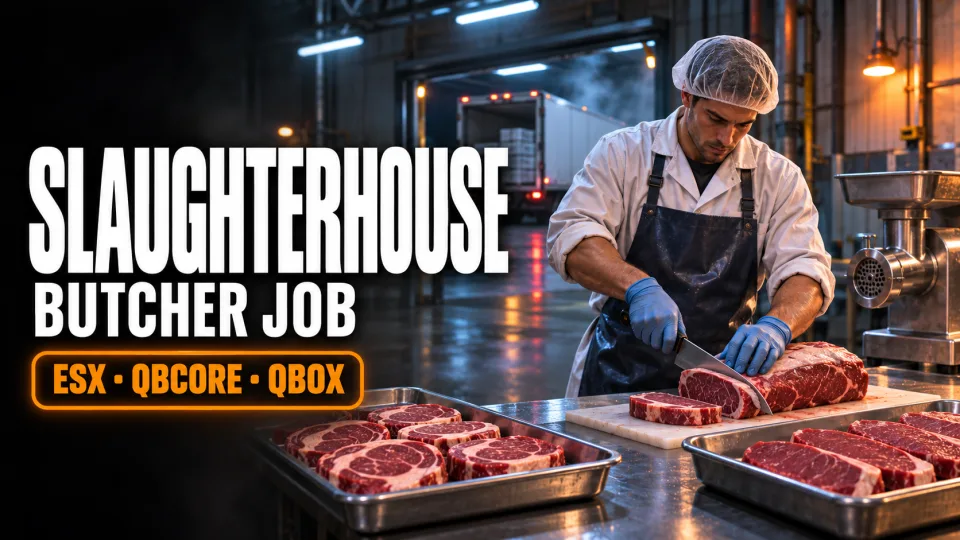
Most server jobs stop at "collect item, sell item". This one is a working shift with a beginning, a middle and an end: you fetch the livestock yourself, take the carcass through every station of a real processing floor, and decide at the end whether to dump the meat for quick cash or drive it to a customer for more.
The shift, station by station
- Clock in. A foreman by the plant gives you the instructions and the rental truck; the locker room swaps you into a work uniform.
- Fetch the cattle. Drive out to one of two farms, pay a refundable deposit on a trolley and wheel the cows into the truck. A single run is capped at 20 head by default.
- Kill station. Bring each cow in and finish it at the kill station. How many shots it takes depends on your experience: a new hire needs three to seven, a veteran one.
- Wash, split and cut. The carcass goes through the wash sink, gets halved, and then slides along the cutting line. Each half yields ribeye, sirloin, brisket, tenderloin, chuck, shank, kidneys and bone marrow.
- Grind. Leftover cuts and heads go into the grinder for 500 g, 1 kg or 2 kg batches of mince, and the recipe for each batch is in the config.
- Sell or deliver. The buyer at the plant pays on the spot, with prices that drift between 70% and 150% of the base so the market is never the same twice. Or take an order instead: pack it, drive it to one of 14 drop-offs across the map, and earn extra for every metre of distance.
Experience and the current order are saved per character, so a shift can be picked up again after a restart.
What the world sees
Particles and props at the kill station, sink, cutting line and grinder are synced to everyone nearby, so other players watching a shift see the same thing you do. Each sync can be turned off if you would rather keep it client-side. The plant interior streams its own collision, and cows cannot be caught inside a blacklisted radius around it.
Before you start it
- Frameworks: ESX, QBCore and Qbox, through the companion framework library linked in the included README. Start that library first; it also chooses your target, menu and notification systems (
ox_target,qb-targetorqtarget;ox_lib,qb-menuornh-context). - Also needed: PolyZone, plus the one SQL table that ships in the package.
- Items: item lists come ready for
qb-core,ox_inventoryand ESX, with 16 inventory images. - Optional:
interact-soundfor the cutting line's saw effect.
Configuring it
config.lua holds the job lock (off by default, or one job name), uniforms, the truck model, farm and plant locations, the experience table, every yield and grinder recipe, sell prices, the dynamic price range, delivery points and the per-metre bonus. The station logic is shipped as readable Lua, not escrowed, so you can change more than the config if you need to.
Slaughterhouse & Butcher Job compatibility and purchase details
Write a review
Reviews are moderated before appearing. Purchased the product? Your review gets a VERIFIED badge automatically.
Related scripts