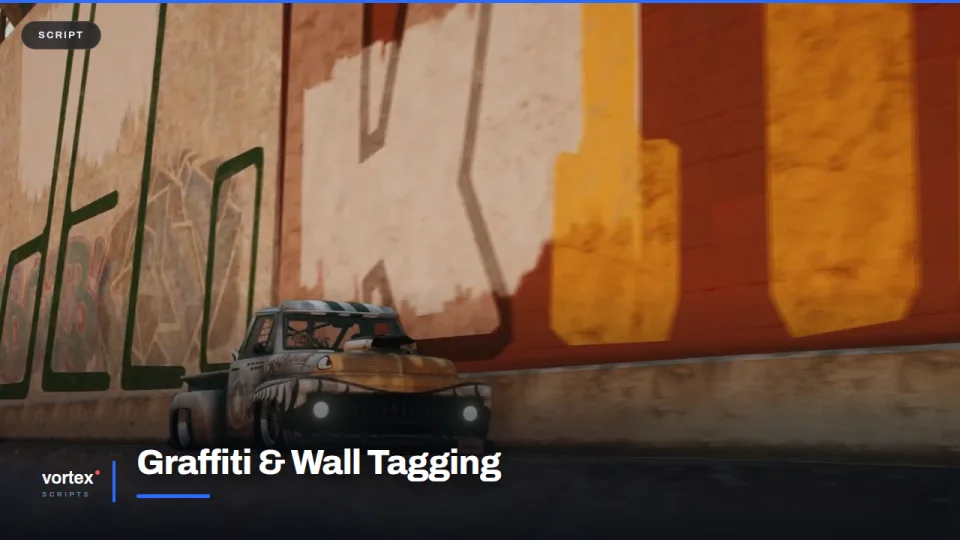
Gang territory is easier to feel than to explain. Letting people write on the walls does more for it than any map overlay.
Drawing
The editor is a canvas with brushes, colours and an eraser. Whatever gets drawn is saved as a project the player owns, so a crew can build a tag once and reuse it rather than redrawing it every time. Images can be brought in as well, for servers that would rather curate than freehand.
Placing it
Aim at a wall, pick the two corners, and the piece goes up at that size and angle. It is synced, so it is there for everyone who walks past, and it survives a restart.
Taking it down
Tags can be scrubbed off, which gives police and cleaning crews something to do that is not a traffic stop. There is a visibility toggle too, for anyone who would rather not render other people's artwork.
Fitting it in
Checks limit what can be drawn and where, so the feature does not turn into a way to write something the whole server has to look at. ESX, QBCore and Qbox.
Graffiti & Wall Tagging installation for FiveM servers
Graffiti & Wall Tagging is a FiveM script from Vortex Scripts in the FiveM Minigames & Activities category. After checkout, download the resource package from your Vortex Scripts order email, upload the included folder to your server, and start it from server.cfg.
resources/ directory.
ensure line using the exact folder name shipped in the download.
Use this as the server.cfg pattern, with the placeholder swapped for the folder name your download unpacks as:
ensure your-resource-folderThe folder name is controlled by the download package itself, not by this product page — keep whatever the archive contains.
Why Graffiti & Wall Tagging fits a FiveM server
Framework labels for this listing: esx, qbcore, qbox. Check the included readme for any product-specific setup notes.
Graffiti & Wall Tagging compatibility and purchase details
Write a review
Reviews are moderated before appearing. Purchased the product? Your review gets a VERIFIED badge automatically.
Related scripts
About this FiveM script
Graffiti & Wall Tagging is a premium FiveM script for esx, qbcore, qbox servers. It’s part of the Vortex Scripts catalog, a curated selection of battle-tested resources for QBCore, ESX and Qbox roleplay servers. Every script we sell ships with lifetime updates, instant email delivery, and email support for technical questions.
It installs as a standard FiveM resource: unzip it into your resources folder, add it to your server.cfg, and restart. The config-first design means you can change prices, permissions and locations without editing the core Lua.
Framework fit for this listing: esx, qbcore, qbox. Check the included readme for any setup notes specific to this resource. Licence and refund terms are set out in our terms.